
.png)
The Basics of Digital Audio Production

When I first dove into the world of digital audio production, I was amazed at how much creativity and technical skill come together to create something truly special. Whether you're an artist, a business owner, or a content creator, understanding the basics of audio production can elevate your projects and help you stand out. Today, I want to share some essential insights and practical tips that will guide you through the exciting process of crafting high-quality sound.
Understanding Digital Audio Production
Digital audio production is the process of creating, recording, editing, and mixing sound using digital tools. Unlike traditional analog methods, digital production offers incredible flexibility and precision. You can manipulate audio clips, add effects, and mix multiple tracks with ease.
One of the first things I learned is the importance of a good Digital Audio Workstation (DAW). This software is your main workspace where all the magic happens. Popular DAWs like Ableton Live, Logic Pro, and Pro Tools offer a range of features tailored to different needs. For example, Ableton Live is fantastic for electronic music and live performances, while Pro Tools is often the go-to for professional studios.
Key Components of Digital Audio Production
Recording: Capturing sound using microphones or direct inputs.
Editing: Cutting, trimming, and arranging audio clips.
Mixing: Balancing levels, panning, and adding effects.
Mastering: Finalizing the track for distribution.
Each step requires attention to detail and a good ear. But don’t worry, with practice, you’ll develop your own workflow that suits your style.

Caption: A digital audio workstation showing various audio tracks and editing tools.
Essential Equipment for Digital Audio Production
You don’t need a fancy studio to get started, but having the right equipment makes a huge difference. Here’s what I recommend for anyone serious about producing quality audio:
Audio Interface
This device connects your instruments and microphones to your computer. It converts analog signals into digital data. A reliable interface ensures clear sound and low latency.
Microphones
Depending on your needs, you might choose a condenser mic for vocals or an instrument mic for guitars and drums. USB microphones are great for beginners due to their plug-and-play nature.
Headphones and Monitors
Accurate sound reproduction is crucial. Studio headphones and monitors help you hear every detail, so your mixes translate well on different playback systems.
MIDI Controller
If you’re into composing or beat-making, a MIDI controller lets you play virtual instruments and control your DAW more intuitively.
Acoustic Treatment
Even a small room can benefit from some soundproofing or foam panels to reduce echo and background noise.
Investing in these basics will set you up for success and make your production process smoother.
Getting Started with Recording and Editing
Recording is where your ideas start to take shape. Here’s a simple workflow I follow:
Set up your equipment: Connect your microphone or instrument to the audio interface.
Create a new project in your DAW: Set the sample rate (44.1 kHz is standard for music).
Test levels: Make sure your input isn’t too loud or too quiet to avoid distortion.
Record multiple takes: This gives you options to choose the best performance.
Edit your clips: Trim unwanted noise, align timing, and crossfade between takes for smooth transitions.
Editing is where you polish your recordings. Don’t hesitate to experiment with cutting, copying, and rearranging parts. The goal is to create a clean and engaging track that flows naturally.
Mixing and Adding Effects
Mixing is both an art and a science. It’s about balancing all the elements so they work together harmoniously. Here are some tips I’ve found helpful:
Start with volume levels: Get a rough balance before adding effects.
Use EQ to carve space: Cut frequencies that clash and boost those that enhance the sound.
Add compression: This controls dynamics and makes your track sound more consistent.
Pan instruments: Spread sounds across the stereo field to create width.
Apply reverb and delay: These effects add depth and atmosphere but use them sparingly.
Remember, mixing takes time and patience. Take breaks to rest your ears and come back with fresh perspective.

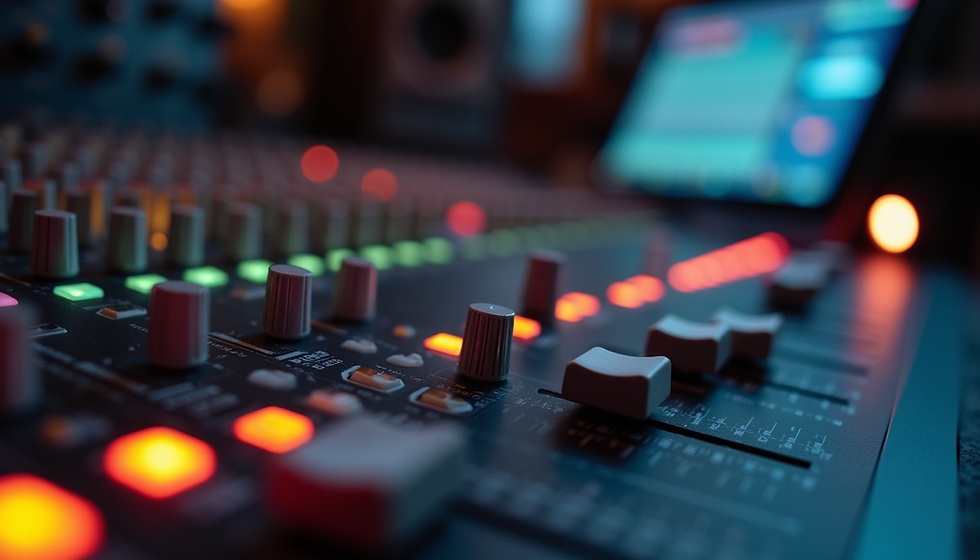
Caption: Close-up of a mixing console used for balancing audio tracks.
Exploring Online Audio Production Tools
In today’s connected world, you don’t have to be tied to a physical studio. There are fantastic platforms that allow you to collaborate and produce music remotely. For example, online audio production tools offer cloud-based DAWs, virtual instruments, and real-time collaboration features.
These platforms are perfect if you want to:
Work with artists or clients from anywhere.
Access your projects on multiple devices.
Experiment with new sounds without installing software.
I encourage you to explore these options as they can expand your creative possibilities and streamline your workflow.
Taking Your Audio Production to the Next Level
Once you’re comfortable with the basics, it’s time to push your skills further. Here are some ways to grow:
Learn sound design: Create your own sounds using synthesizers and samplers.
Study mixing techniques: Watch tutorials and analyze professional tracks.
Experiment with genres: Try producing different styles to broaden your palette.
Collaborate with others: Feedback and teamwork can spark new ideas.
Stay updated: Audio technology evolves fast, so keep learning about new tools and trends.
By continuously honing your craft, you’ll develop a unique sound and style that sets you apart.
Embracing Creativity in Digital Audio Production
At the heart of digital audio production is creativity. It’s about expressing your vision and connecting with your audience through sound. Whether you’re crafting a catchy jingle, a podcast, or a full-length album, the process is rewarding and fun.
Don’t be afraid to make mistakes or try unconventional approaches. Some of the best sounds come from happy accidents and bold experimentation. Keep your passion alive, and remember that every project is a step forward in your journey.
I hope this guide has given you a solid foundation to start or improve your digital audio production skills. With the right tools, techniques, and mindset, you can create audio that truly resonates. Now, it’s your turn to bring your ideas to life and make some noise!


Comments